
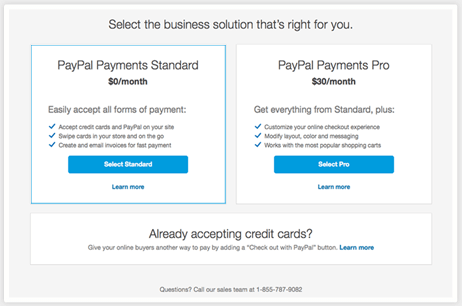
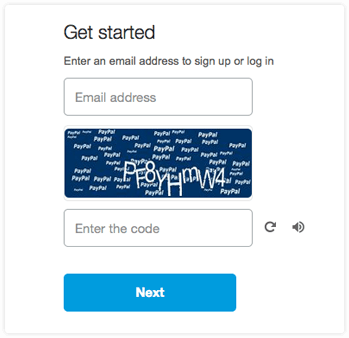
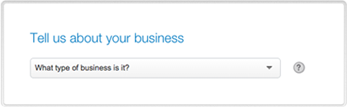
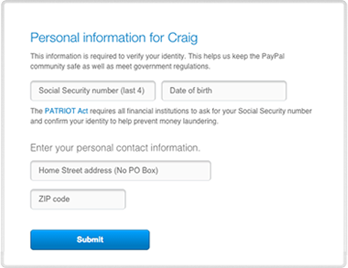
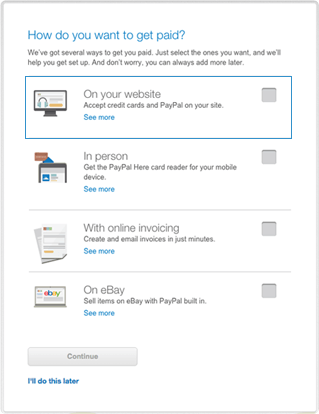
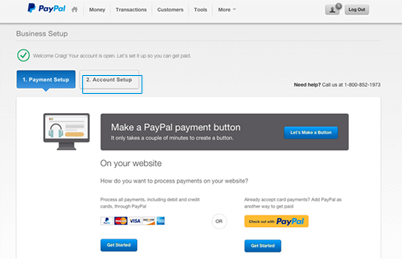
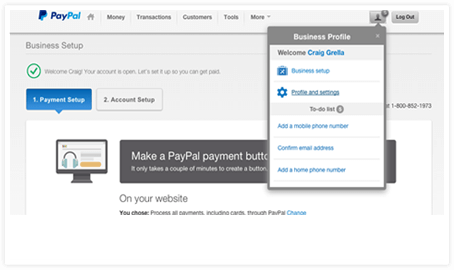
ECInstantPay™ is proprietary financial processing technology developed by Strider Pro deigned to link Organizers & Riders in payments. 1. Confirm your email. After account creation PayPal sends you a confirmation email. 2. Link your bank account. This tells PayPal where to send your money and MUST be completed to verify your account! 3. Contact us with questions. Select PayPal Payments Standard. (Remember, FREE.) Choose business category/subcategory. Estimate your monthly sales volume. (Recommend: $5,000). This is for PayPal's demographic information and doesn't really affect how your account will operate. Enter Contact Info Select "On Your Website".(You can always change later) Skip selection by clicking the link "I'll do this later."
For ECInstantPay™, Tab 2 is the important tab!
Finish the account setup as soon as possible to make sure your money gets transferred to the right location.
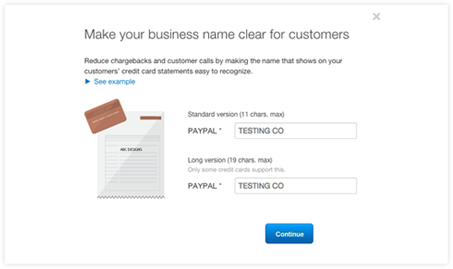
Quick Approach: login to your bank directly for automatic confirmation. THIS IS WHAT SHOWS ON THE RIDER'S PAYMENT RECEIPT. MAKE IT ACCURATE TO AVOID CHARGEBACKS. Last But Not Least--Complete Your PAYPAL "To Do" List As Needed. Enter the email address below to find out
How Does ECInstantPay™ Work?
It's secure, fast, and easy.
Buyers may pay for any of your posted activities using Mastercard, VISA, Discover, or Amex.
After a buyer (rider) completes payment, the proceeds are automatically and instantly deposited in your account.
There's no fee to use this service, and nothing is deducted from your proceeds.
You don't need a merchant account or a licensed business name.
However you DO need a verified PayPal account- we need something to deposit your $$ into!
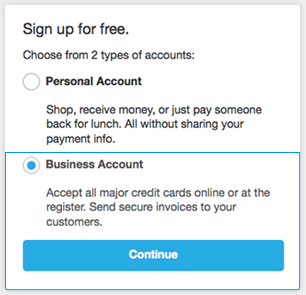
Either a Paypal Personal Premier or a PayPal Business Account enable you to accept payments.
We included the guide below to help you easily set up a PayPal Business Account and get started using ECInstantPay™.
Make sure to:
You'll need:
Slow Approach: If you use a bank not listed by PayPal you'll need to select "OTHER BANK NOT LISTED" and input account information.
PayPal will make two small deposits, usually only a few cents each. You'll login into your bank account within 2 or 3 days and confirm those amounts
Think You May Already Have an Active PayPal Account?


